
I. Introduction to Custom Templates
a. What are Custom Templates
Custom templates are a unique capability provided exclusively by the DINO-X Platform. Users only need to provide a small number of annotated samples to train a high-quality visual template (Embedding) for precisely identifying specific targets during model inference. Compared to traditional models that can only recognize common categories like people, cars, and animals, custom templates can identify unique targets in your business, such as brand logos, industrial defects, irregular components, special products, etc. They are particularly suitable for long-tail category recognition, industrial customization, non-standard object detection and other complex scenarios, helping users efficiently complete AI validation and deployment.
b. Principles of Custom Templates
In custom templates, Embedding refers to a visual feature vector, similar to a "digital feature summary" of target objects in images. It expresses the shape, texture, and appearance features of the target in a structured way. Compared to indirectly guiding model recognition through text prompts, Embedding provides a more precise, stable, and reusable method, allowing the model to "truly remember" what your target looks like. This Embedding is like the target's "digital fingerprint"—it can precisely express the visual features of the target and can be directly embedded into supported object detection models for inference, achieving precise recognition and detection of the target.
(a) Standard Detection: Can recognize most general categories (such as people, vehicles, animals, etc.)
(b) Custom Templates: Precisely recognize various niche detection targets in long-tail scenarios (such as brand logos, product defects, proprietary components, etc.)
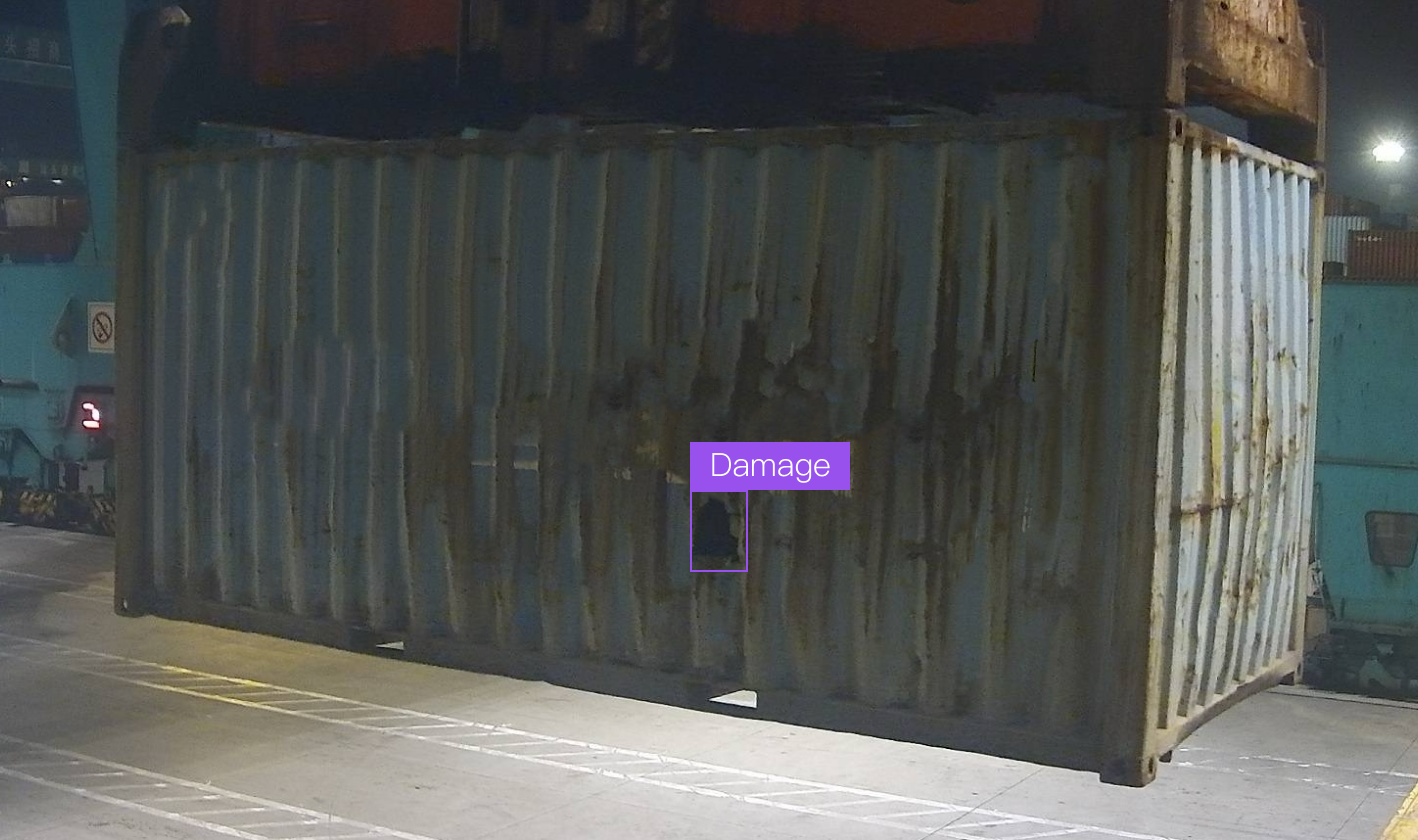
Application Example: Traditional models struggle to identify non-standard targets like container damage. Using custom templates, you only need to upload about 100 images with annotated damaged areas to train and generate an Embedding. During the API call inference stage, by embedding it into the object detection model, the system can accurately identify damage locations, enabling automated industrial quality inspection.
II. How to Create Custom Templates
a. Prepare Annotation Data
To create your exclusive custom template, you first need to prepare dataset images and their corresponding annotation files.
(a) Image requirements: Upload several clear images of the object to be detected. It is recommended to have at least 100 images per target class, but not more than 1000 images.
(b) Annotation file requirements: Currently only bounding boxes annotation format is supported, and annotation files (coco.json format) corresponding to the images must be provided.
    //_annotations.coco.json
    {
      "info": {
        "year": 2025,
        "version": "1.0",
        "description": "Annotations in COCO format, created by T-Rex Label",
        "date_created": "2025-06-25T03:25:20.671Z"
      },
      "images": [
        {
          "id": 0, //image id
          "file_name": "0.6638183593752024-10-04T074029.164Z.jpg", //image name
          "width": 1920, //image width
          "height": 1080 //image height
        },
        {
          "id": 1,
          "file_name": "0.326003491878512024-10-02T001159.929Z.jpg",
          "width": 1920,
          "height": 1080
        }
      ],
      "categories": [
        {
          "id": 0, // category id
          "name": "ebike" //
        }
      ],
      "annotations": [
        {
          "id": 0,
          "image_id": 0,
          "category_id": 0,
          "area": 601660.164253,
          "bbox": [717.012448, 194.771784, 750.207469, 801.991701], //[x,y,width,height],The top-left corner of the image serves as the origin point (0,0)
          "segmentation": [],
          "iscrowd": 0
        },
        {
          "id": 1,
          "image_id": 1,
          "category_id": 0,
          "area": 317346.381777,
          "bbox": [1066.224066, 392.614108, 742.240664, 427.551867],
          "segmentation": [],
          "iscrowd": 0
        }
      ]
      }
If you don't have annotation files yet, you can quickly create annotations using the intelligent annotation tool T-Rex Label
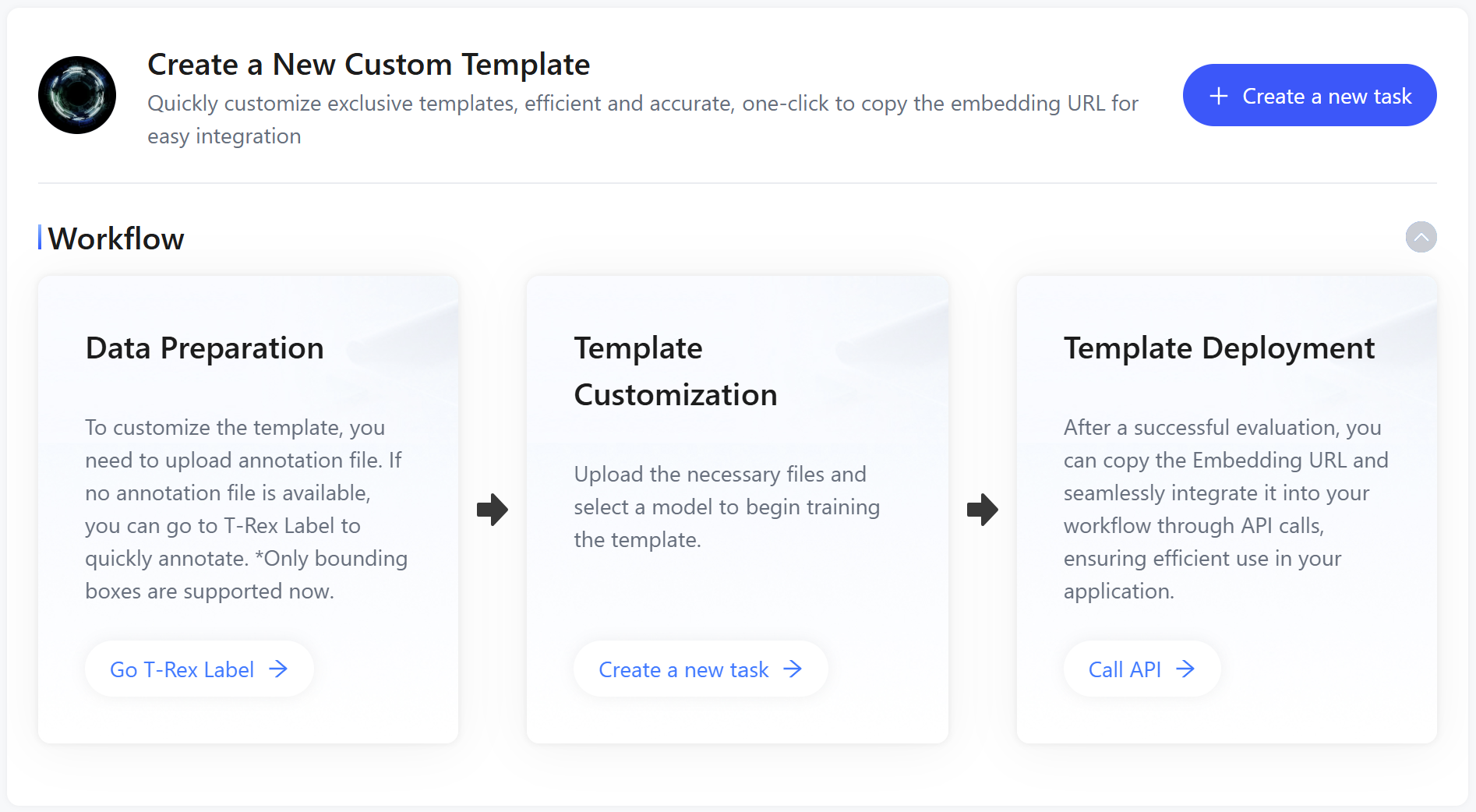
Note: The uploaded data will be used to learn the visual features of the target in subsequent training. Please ensure the image quality is clear and the target annotations are accurate.
b. Initiate Template Customization Task
After preparing the data, please go to the custom template page to fill out the form and create the training task. Upload images and annotation data: The platform provides two data upload modes. You can choose the appropriate method based on your data preparation:
(a) Manual Split: If you have already split the data locally, you can choose this mode and upload the training set and validation set images and their corresponding annotation files separately. This mode is suitable for scenarios with large data volumes or complex structures that require customized validation sets.
(b) Automatic Split: In this mode, you only need to upload a batch of images and their corresponding annotation files, and set the split ratio between training and validation sets (e.g., 80% / 20%). The platform will automatically randomly divide the data into training and validation sets based on the ratio, without the need to manually distinguish data files.
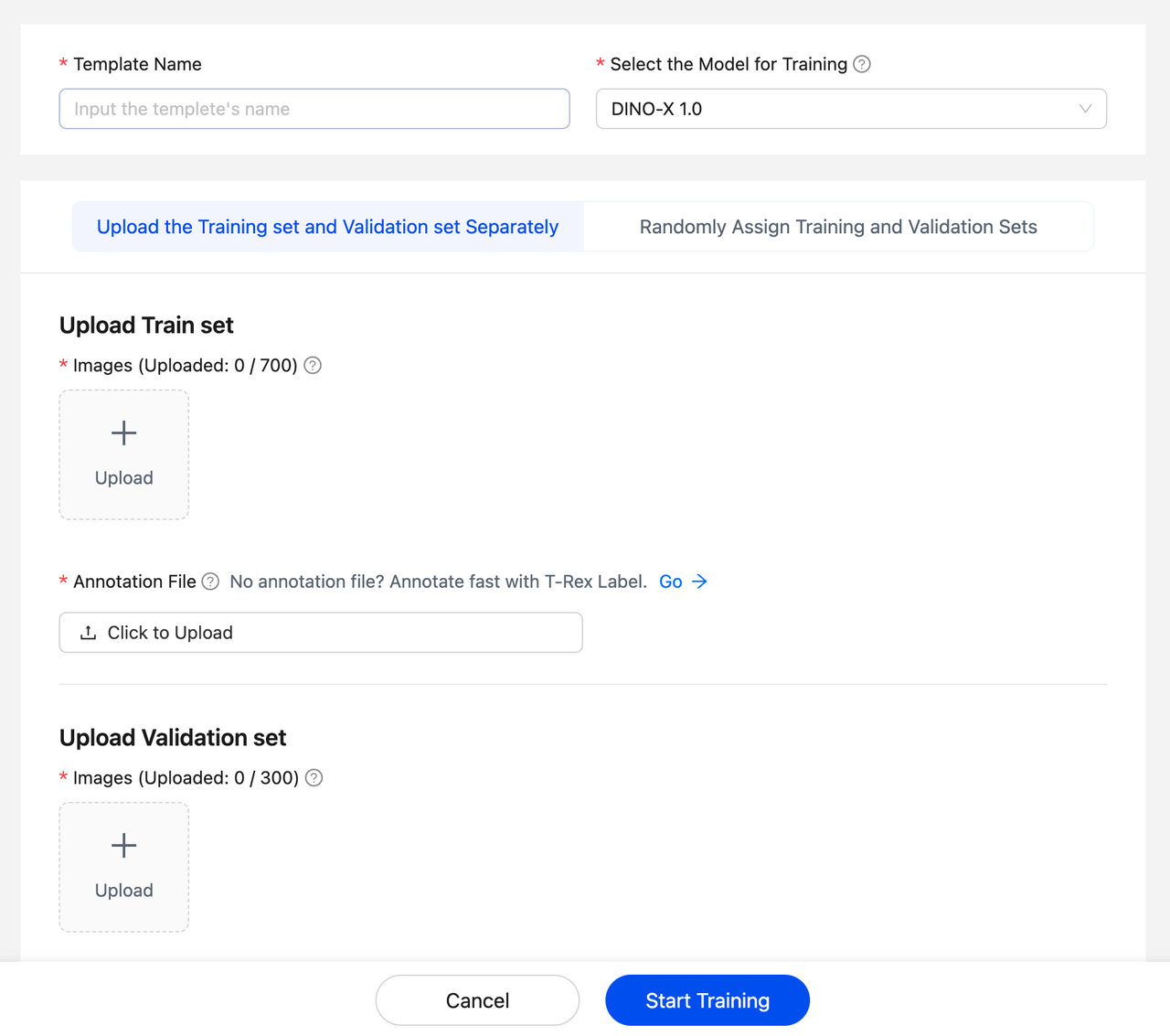
After completing the above content, click "Start Training", and the platform will automatically start model training. The specific duration may fluctuate depending on the number of queued tasks. You can see the training status in the personal templates section on the custom template homepage:

Note: Training templates is free. The template training process is completed automatically, and you don't need to perform any other operations. You can view the progress in real-time in the training list.
c. Check and Test the Template
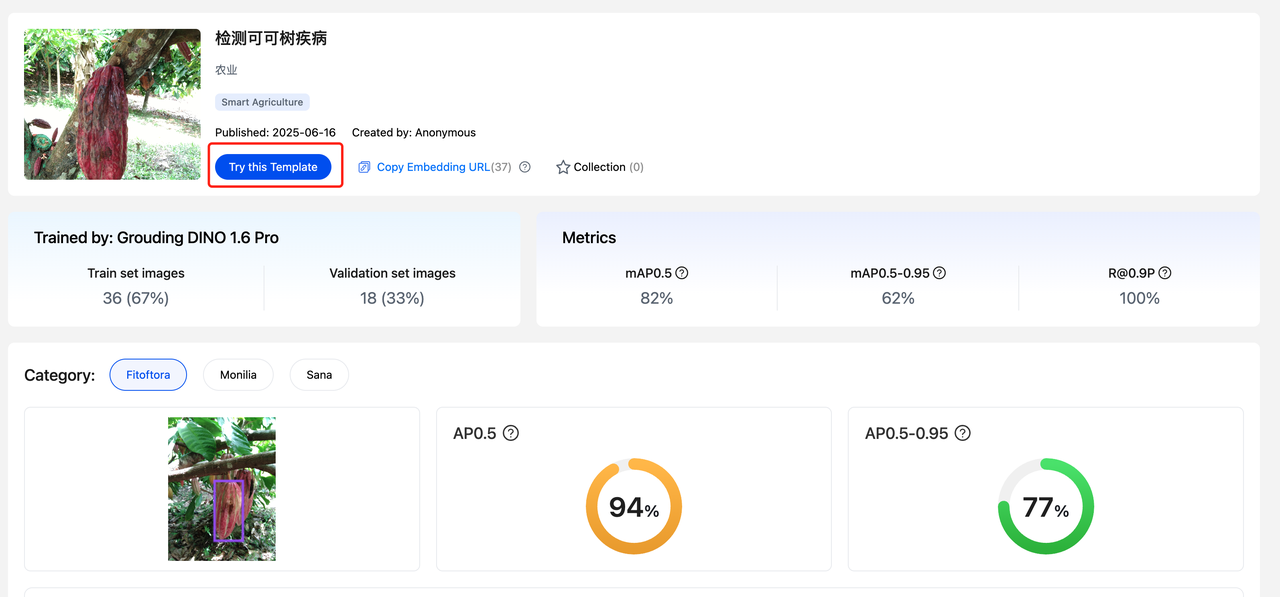
After the template training is completed, you can click to enter the training details page of the template to check the training effect and usage information.
(a) On the details page, you can see the training evaluation metrics of the template (such as accuracy, recall, mAP, etc.), which helps you initially understand the template performance.
(b) Click "Try this template" to upload custom images for quick testing and view the detection effect of the template on actual images in real-time.
III. How to Use Custom Template
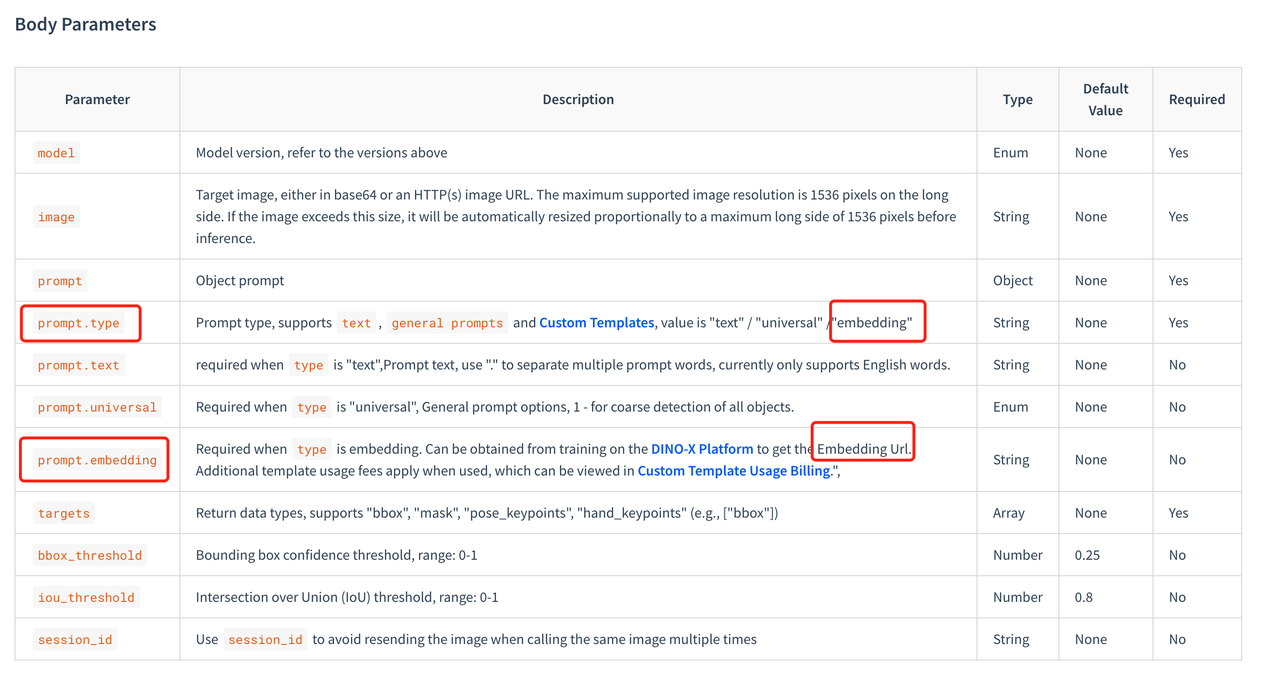
After each template is trained, a unique Embedding URL will be generated for embedding into the model calling workflow. Embedding URL is like:
ZW1iZWRkaW5nL2Nsb3VkX3RyYWluL2MyZDNlMjcxNjk4ZWE3ZjZmNDQwOTBhZWU3OGMxODI1LzMxZjljZjdhYWZiODQ4NmFhZTMzYjc0NWJjYTE1YWYxL3Byb21wdC5lbWJlZGRpbmc=.
Note: The model for the training template needs to be consistent with the inference model.
a. you can find the template in DINO-X Platform Custom Template or Template MarketPlace page, Click "Copy Embedding URL" to get the complete embedding address. The Embedding URL can be directly used in model calls to recognize and detect targets.
b. In models that support Embedding URL (currently supported models include DINO-X),you need to set the Embedding URL into the model call API and pass it as a parameter to the model. Generally, set the parameter embedding="your_embedding_url" and specify prompt.type = "embedding" to use the custom template for object detection. For details, please refer to the corresponding model API documentation.
example:
IV. Community Templates
Users can choose to share their templates or use public templates from the community. Kudos to the contributions from the Chinese community and AI research teams. Users can now experience detection in 8 major vertical scenarios on the Playground of the DINO-X Platform, including:
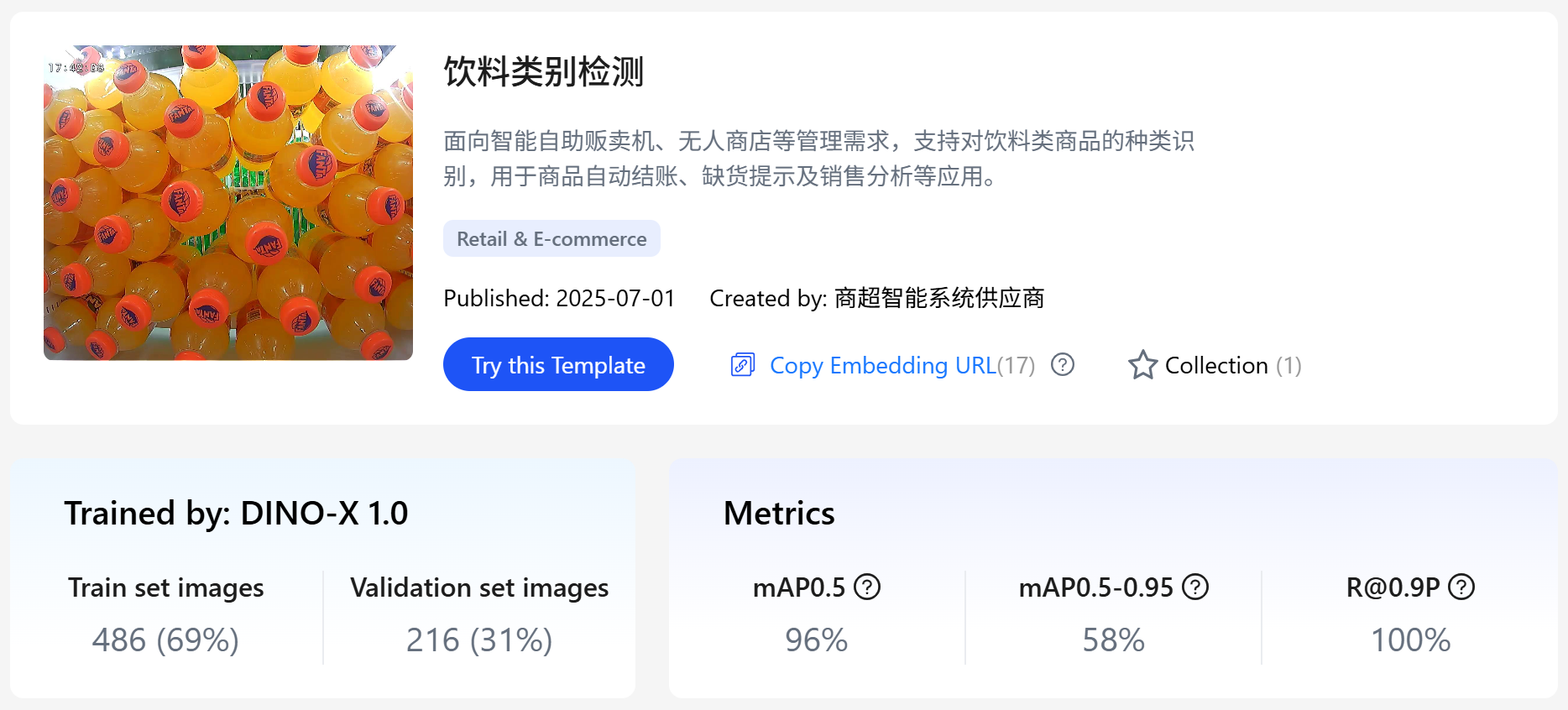
a. Beverage Category Detection
Catering to the management needs of smart self-service vending machines, unmanned stores, etc., it supports the identification of beverage product categories, which can be applied to automatic checkout, out-of-stock alerts, sales analysis, and other applications.
Model experience:
https://cloud.deepdataspace.com/custom/market/test/9110bec2ffbd4286af2d83c23614c8e6
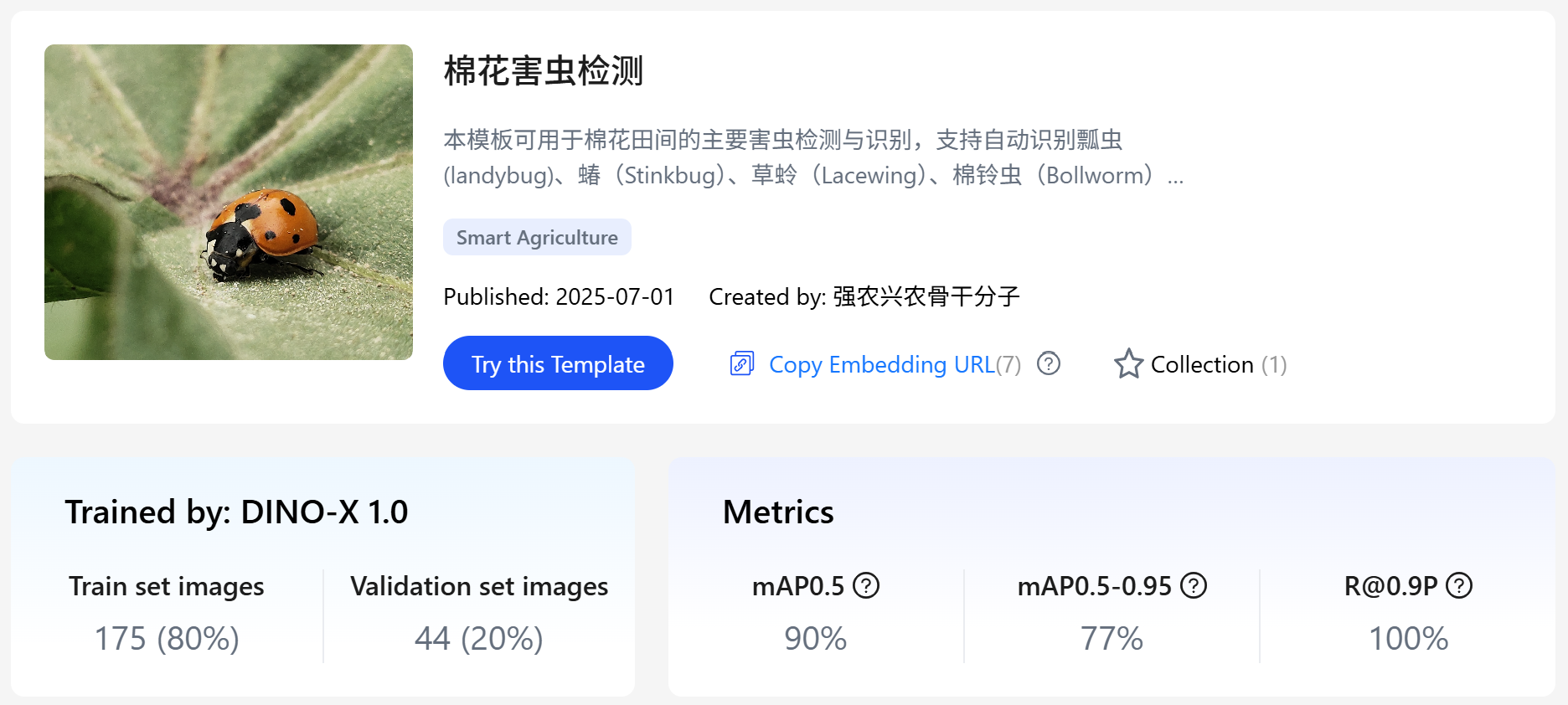
b. Cotton Pest Detection
It can be used for the detection and identification of major pests in cotton fields, supporting the automatic recognition of various pest categories such as ladybugs, stinkbugs, lacewings, and bollworms. Suitable for agricultural production monitoring, pest survey, field management, and intelligent plant protection systems, it helps agricultural practitioners achieve early pest detection and precise control, improving crop yields and pesticide use efficiency.
Model experience:
https://cloud.deepdataspace.com/custom/market/test/bf486a9c2080488abb3de5ed497a5d2f
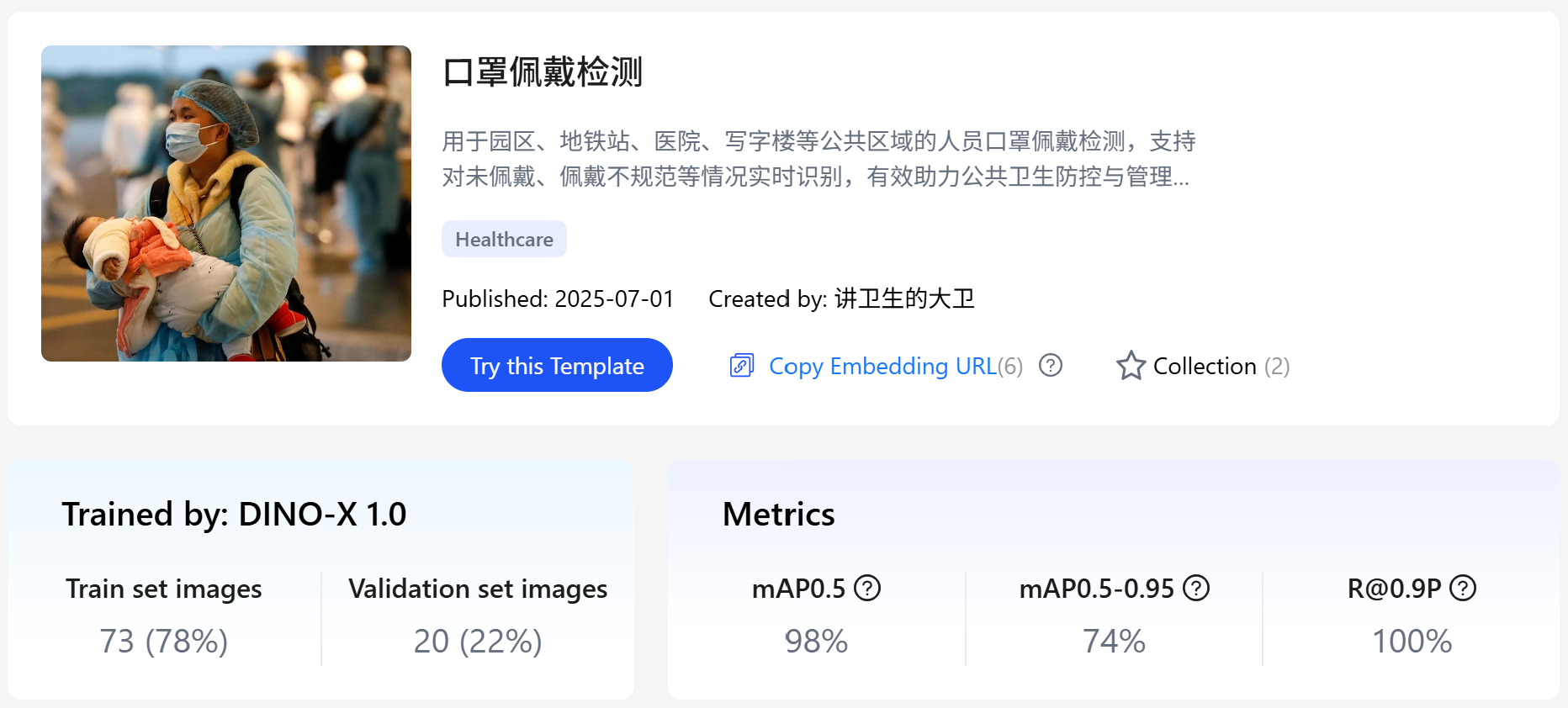
c. Mask Wearing Detection
Used for detecting mask wearing among people in public areas such as parks, subway stations, hospitals, and office buildings. It supports real-time identification of situations such as non-wearing and improper wearing, effectively assisting in public health prevention, control, and management standardization.
Model experience:
https://cloud.deepdataspace.com/custom/market/test/87ed6ad5b03146ba8e64126929c483ef
d. Safety Helmet Wearing Detection
Designed for industrial work environments such as construction sites and factories, it automatically identifies whether workers are wearing safety helmets, ensuring the personal safety of on-site personnel and management compliance.
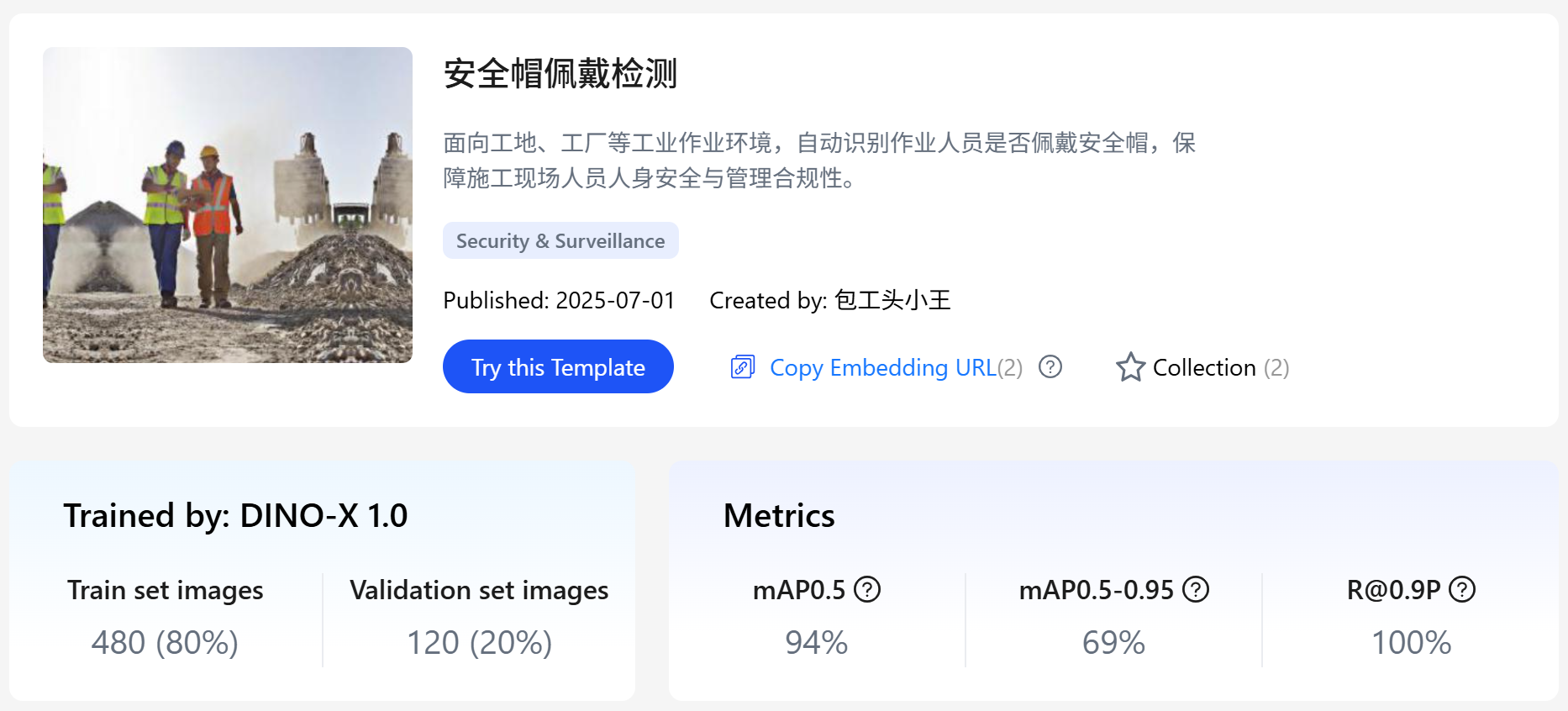
Model experience:
https://cloud.deepdataspace.com/custom/market/test/d504cbf67198488eb623d16d09431967
e. Flame Detection
Addressing the fire source monitoring needs in various scenarios such as homes, kitchens, laboratories, and outdoors, it can recognize flame images in real-time. It is compatible with smart cameras and safety control platforms, and can be linked with alarm systems to enhance fire early warning capabilities.
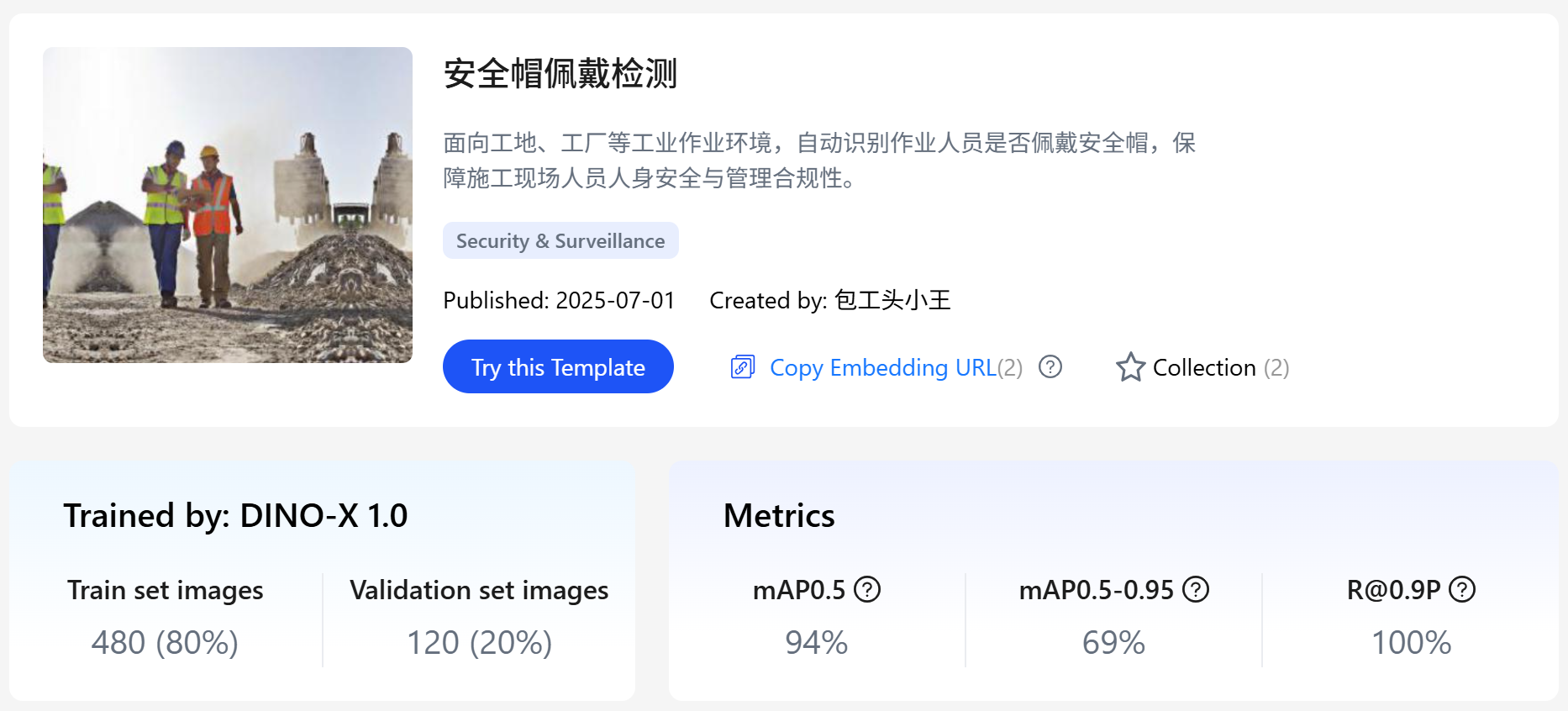
Model experience:
https://cloud.deepdataspace.com/custom/market/test/e07d34a6156b4063baf89071a4b8a857
f. Supermarket Shelf Out-of-Stock Detection
Applicable to chain retail stores, convenience stores, etc., it automatically identifies out-of-stock areas and empty product positions on shelves, assisting stores in achieving intelligent replenishment and optimized product display, thereby improving operational efficiency.
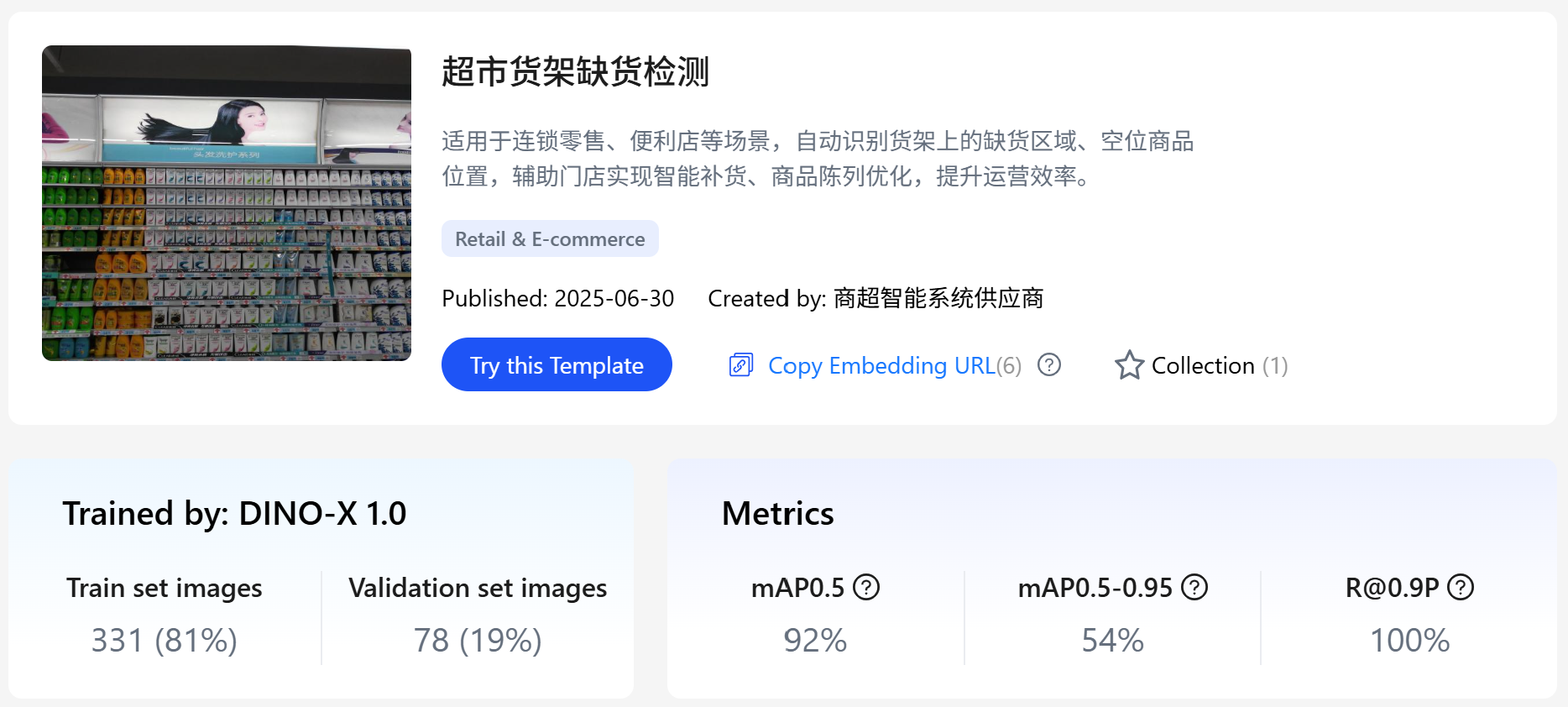
Model experience:
https://cloud.deepdataspace.com/custom/market/test/a2524c3aeae64a57bb8ec9e53a3c0425
g. Nut and Bolt Detection
It automatically identifies nuts and bolts commonly found in mechanical equipment and structural components, suitable for industrial testing scenarios such as production lines and inspection machines, improving equipment operation safety and maintenance efficiency.
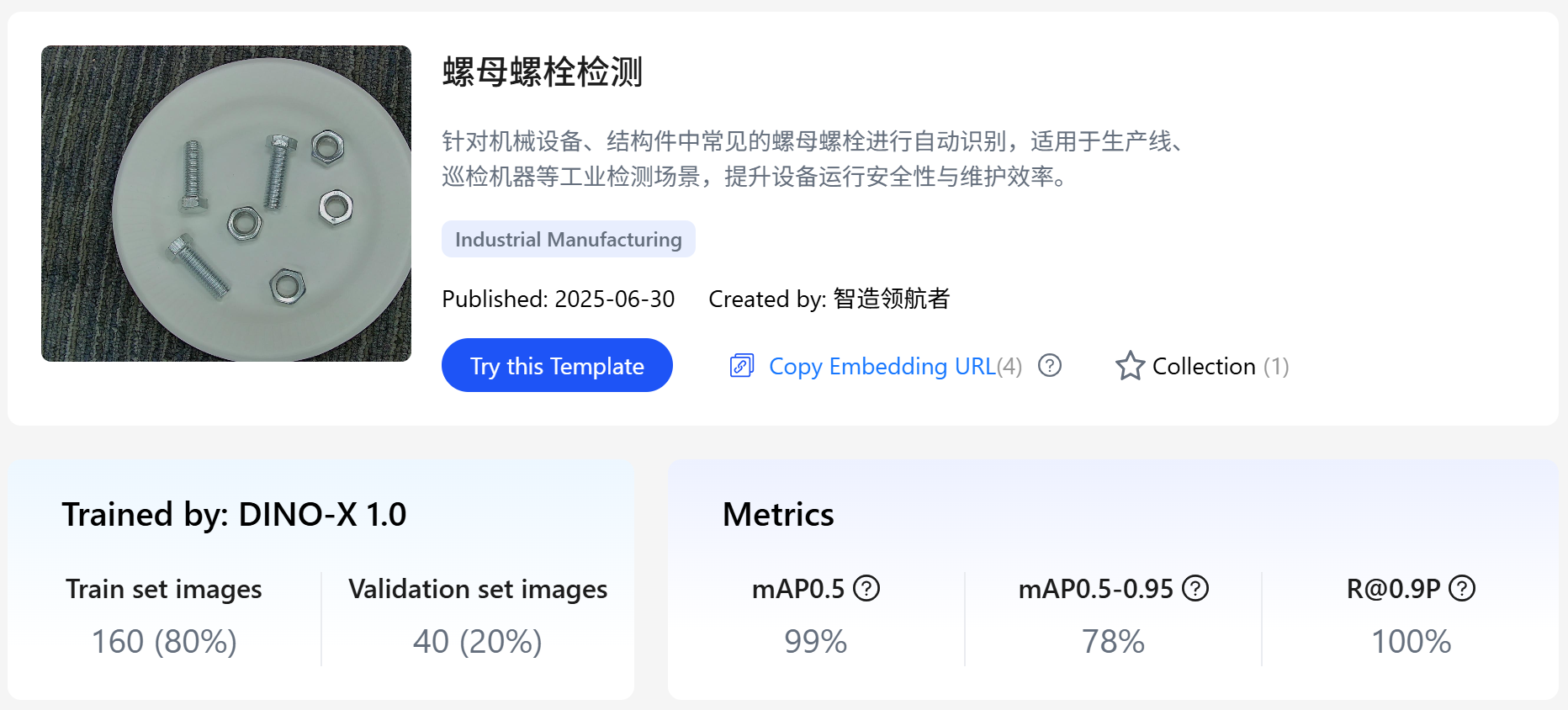
Model experience:
https://cloud.deepdataspace.com/custom/market/test/076070794054436fb2866c8c657156b8
h. Electric Vehicle in Elevator Detection
Applicable to security monitoring scenarios such as community entrances, elevator shafts, and corridors, it automatically detects whether electric vehicles enter indoor areas in violation of regulations, effectively preventing fire hazards caused by electric vehicles and improving the intelligence level of community safety management.
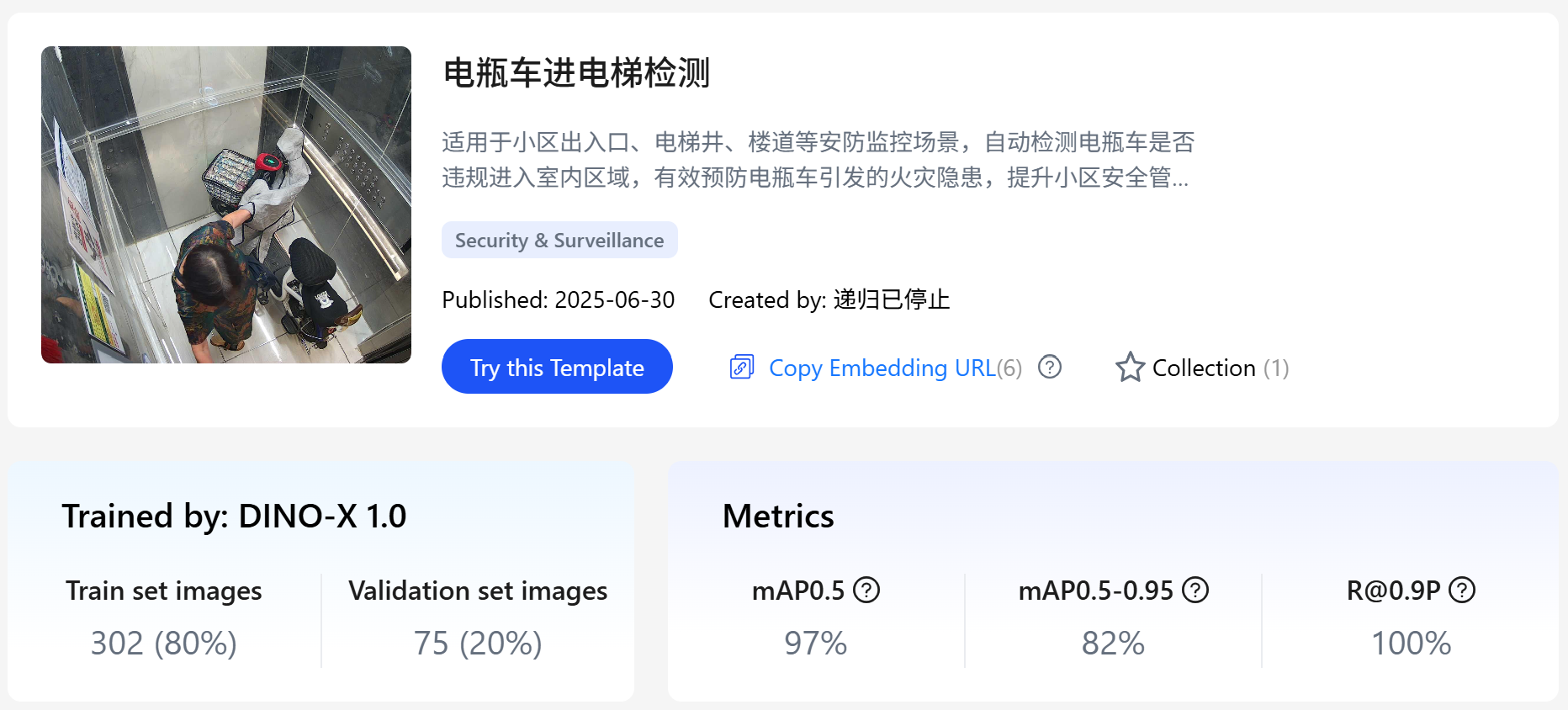
Model experience:
https://cloud.deepdataspace.com/custom/market/test/4720e60b2d0042b9a613573c131b8096